










Appearance Customization
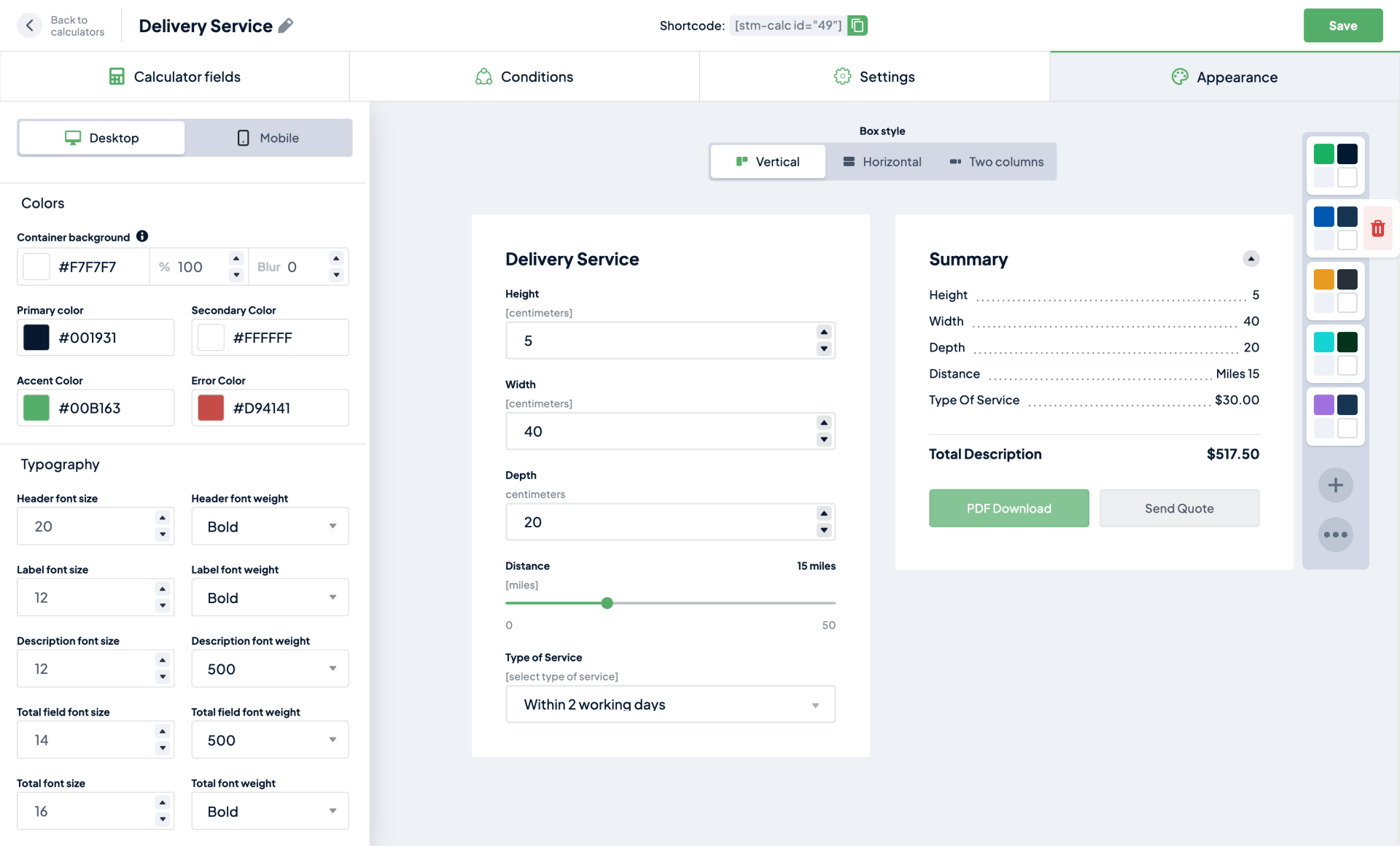
Easily customize your Cost Calculator with our simple yet elegant builder. We offer presets that allow for hassle free representation that can be edited. This builder also gives options such as color, font size, final overview, and much more!
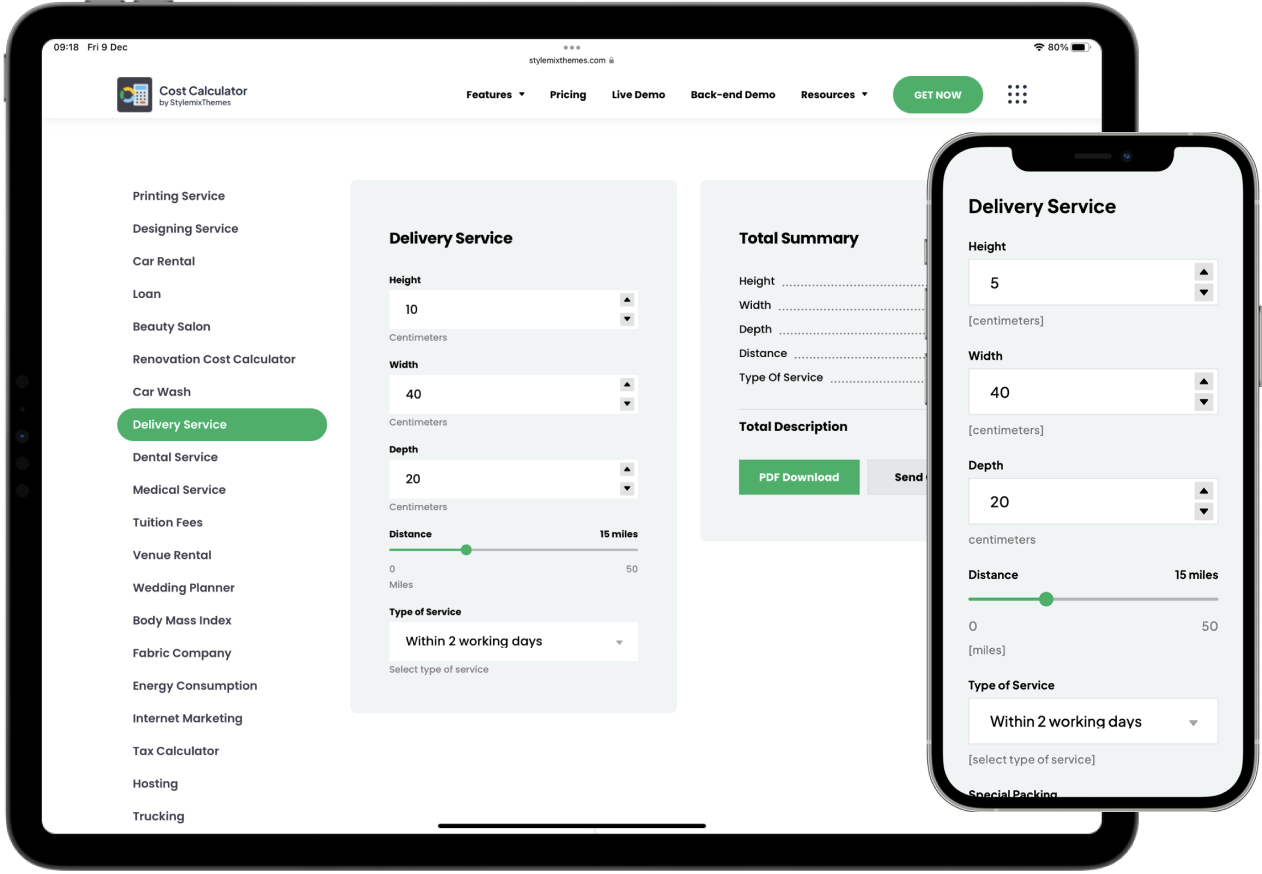
Responsive Design
You can not only customize your calculator with colors, but also edit the properties in the settings for either the Desktop or Mobile versions, making them seem identical if needed.
By editing the height, weight, depth, and distance, you can attract customers with various types of services that you can set the time in.
Multiple Styles Available for Form Elements
We offer a variety of styles for custom elements including Default, Boxed, with Hint, and many more. With these different options, you can customize your form to fit your brand and make it more visually appealing for your users.
You get to choose the style that you prefer, making the displaying of form elements richer and more diverse.

Calculator View Modes
There are lots to choose from when using the Cost Calculator. Such as Two columns, Vertical, or Horizontal.
Graphic Designing
Total Summary
Your service request has been completed!
We have sent your request information to your email.El Gran Total y el Cargo Pegajoso
Obtener el Gran Total que se debe es bastante fácil. Hay una sección separada en la configuración donde puedes personalizar fácilmente lo que se muestra. Esto se puede desactivar si no necesitas mostrar la sección de Gran Total.
El cargo pegajoso de Gran Total te permite tener acceso rápido al resumen total a través de una nota adhesiva, cuando el calculador haya terminado de sumar todo.